


TimeCapsule Orb
TimeCapsule Orb
Couldn't load pickup availability
-
Ordered
- - -
Order Ready
- - -
Delivered

Description

Description
Keep Your Favorite Memories Alive in 3D The TimeCapsule Orb is a futuristic, palm-sized video and audio player that brings your precious moments to life. Easily upload your favorite videos, photos, or music and relive your best memories with 360° sound and a stunning 3D visual effect.
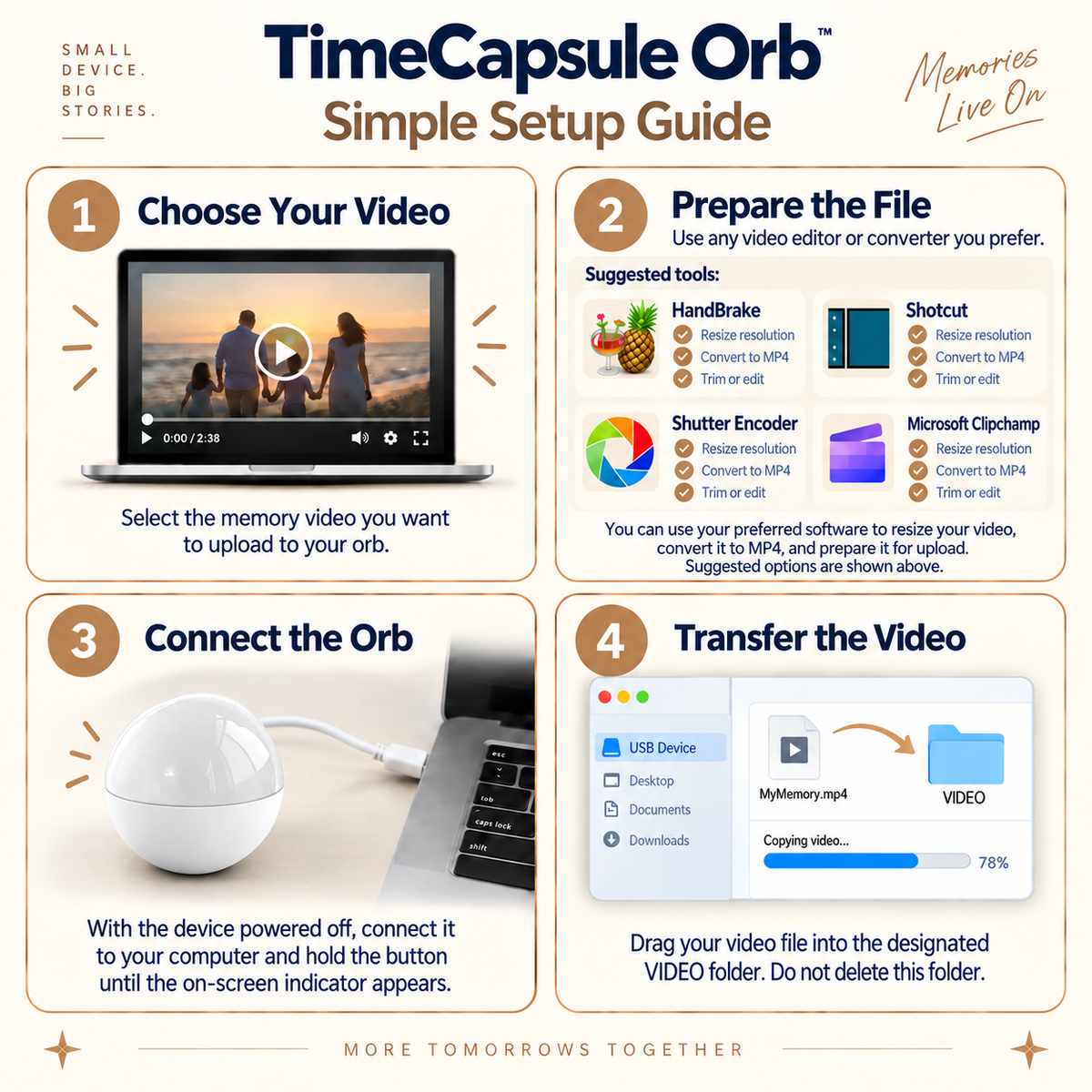
- Easy Setup: Connect to your computer via USB and simply drag and drop your files (MP4, JPG).
- Intuitive Control: Easily adjust volume, switch tracks, or change videos using the built-in control dial.
- The Perfect Gift: A unique way to capture family moments, pet memories, or romantic trips in a crystal-style sphere.
Specifications:
- Display: 2.1-inch round screen
- Dimensions: 70 x 70 mm (Material: Durable Plastic)
- Storage: 4GB TF Card (Included)
- Available Colors: Black, White, Pink, Blue, Orange
- Audio: High-quality 360° speaker (8-ohm 0.5W)
- Power & Battery: Rechargeable Lithium Battery (Type-C) or direct 5V2A power supply
- Supported Formats: MP4 video, JPEG photos
Package Includes:
- 1× TimeCapsule Orb Player
- 1× Type-C Charging Cable
- 1× User Manual


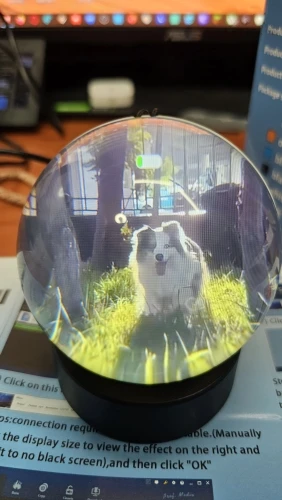
This 3d video crystal ball is seriously cool! The detail inside is amazing and really pops out. It's like having a tiny, magical world captured in glass. The light it emits creates a really cozy and mesmerizing atmosphere. Definitely a unique and fun decorative piece for any room!
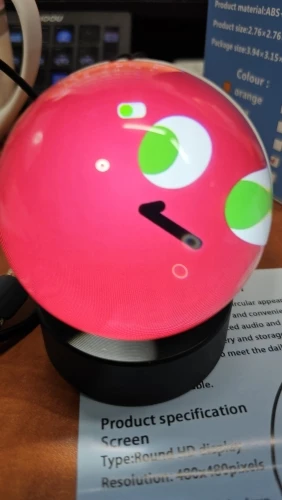
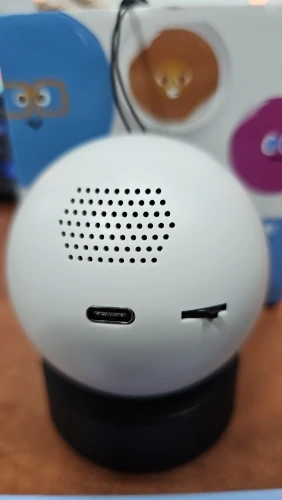
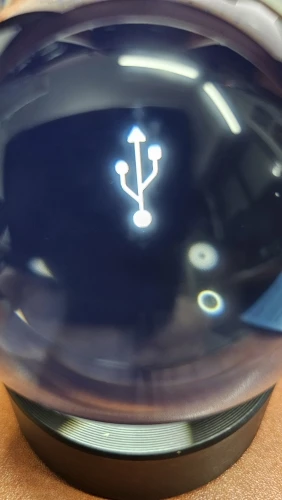
Great item, works well, audio is loud and from what i can see unadjustable. The video direction from the qr code on the box is essential to get the right format and how to use the software needed to be downloaded. You must be “tech savvy” to get your videos on there; this is not an item i can give to my parents to figure out; they would need me to load the videos, great product and price point thank you
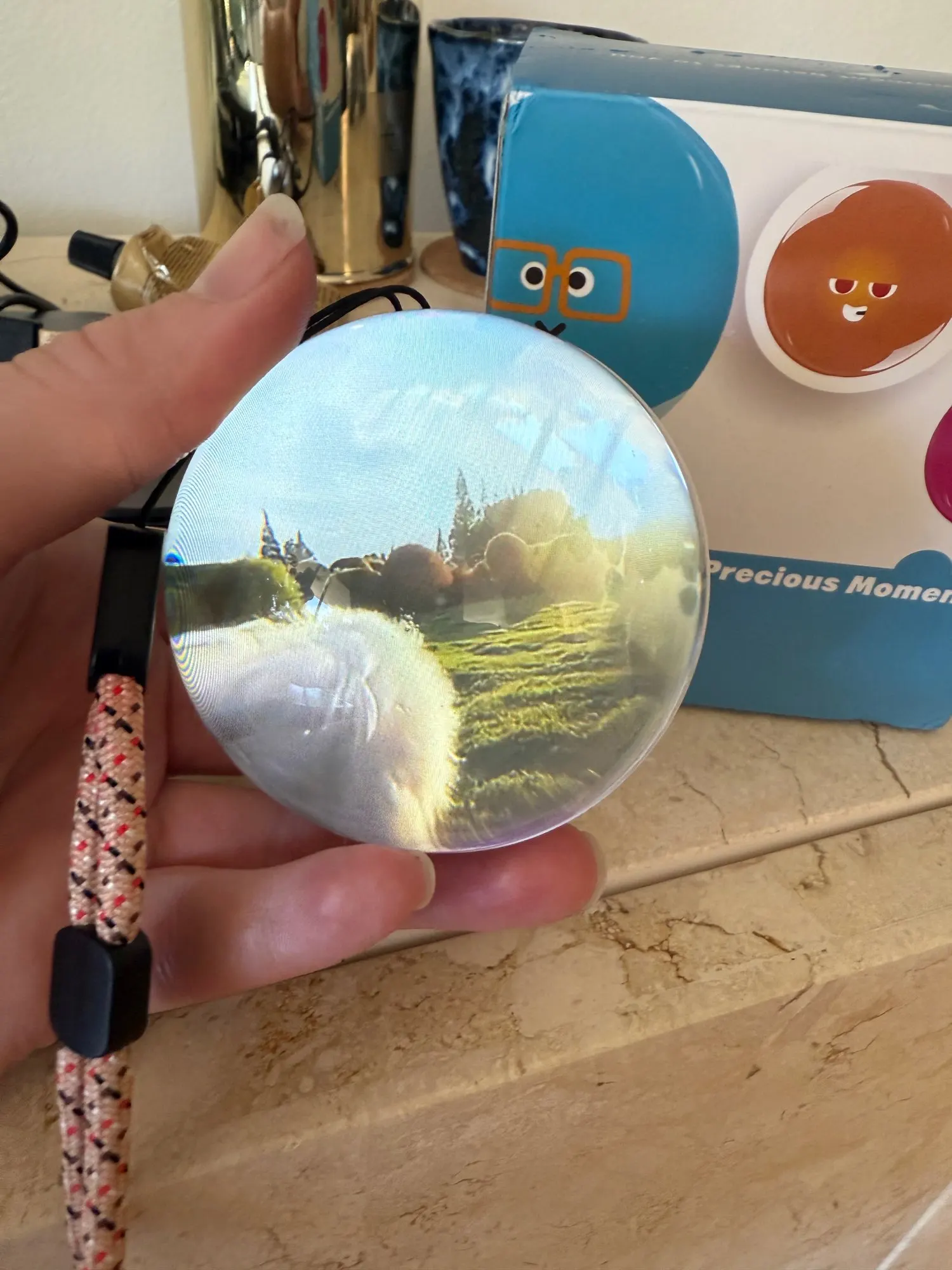
Arrived in less than 1 week. Great gift. Very good quality/price. Comes with instructions for editing and recording videos on the ball. Very satisfied with the purchase. Recommend 100%.
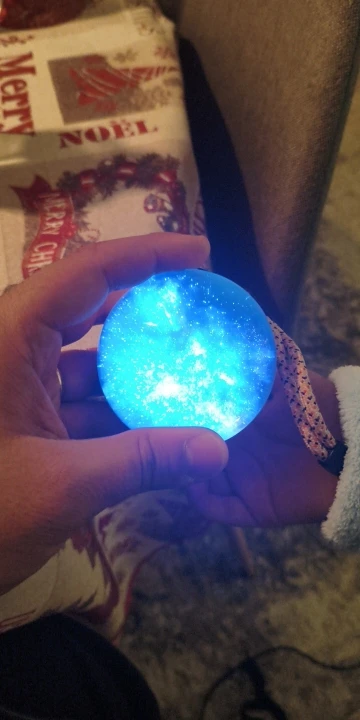
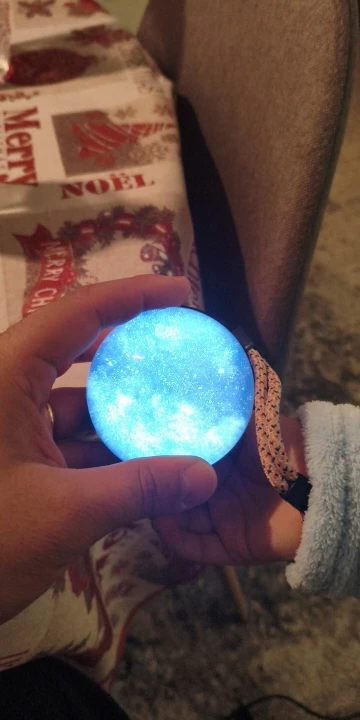
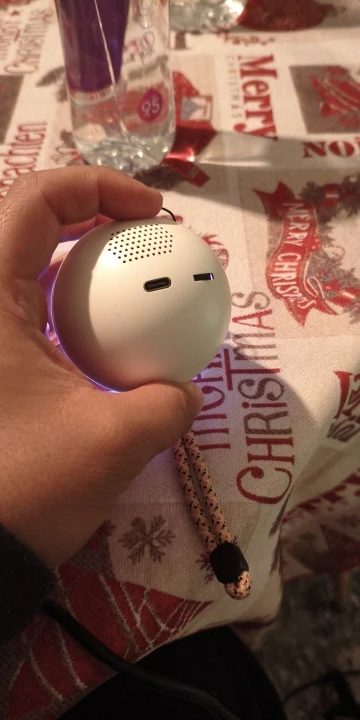
perfect arrived early very easy to insert the video always use the cable that comes in the box
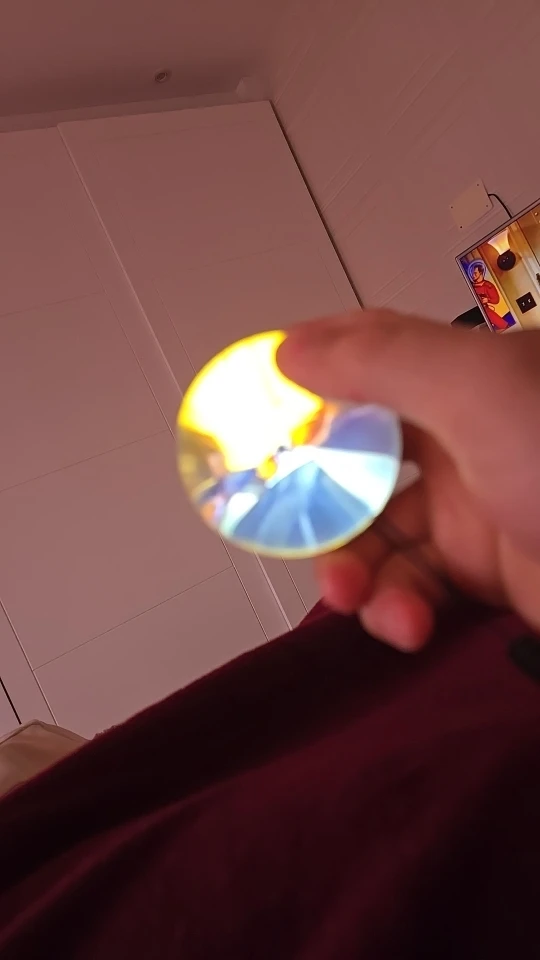
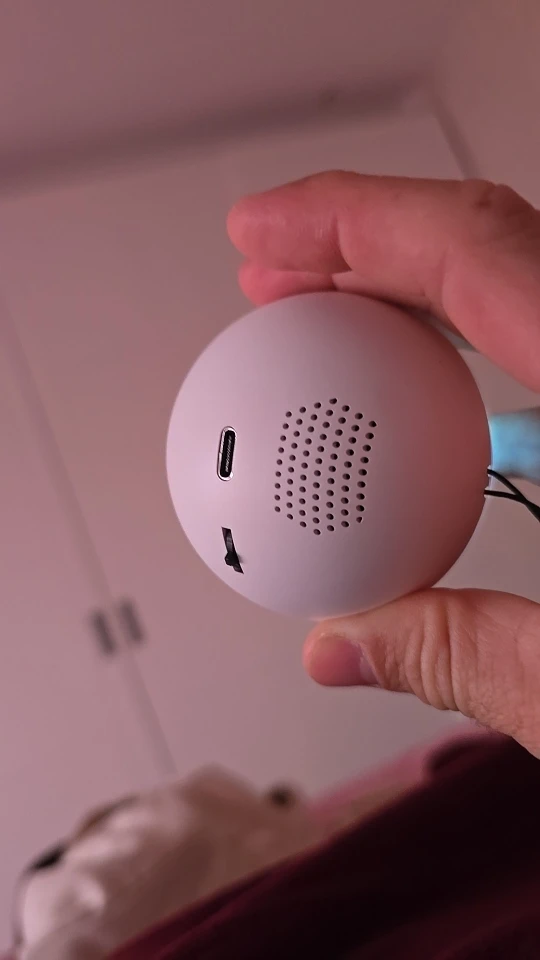
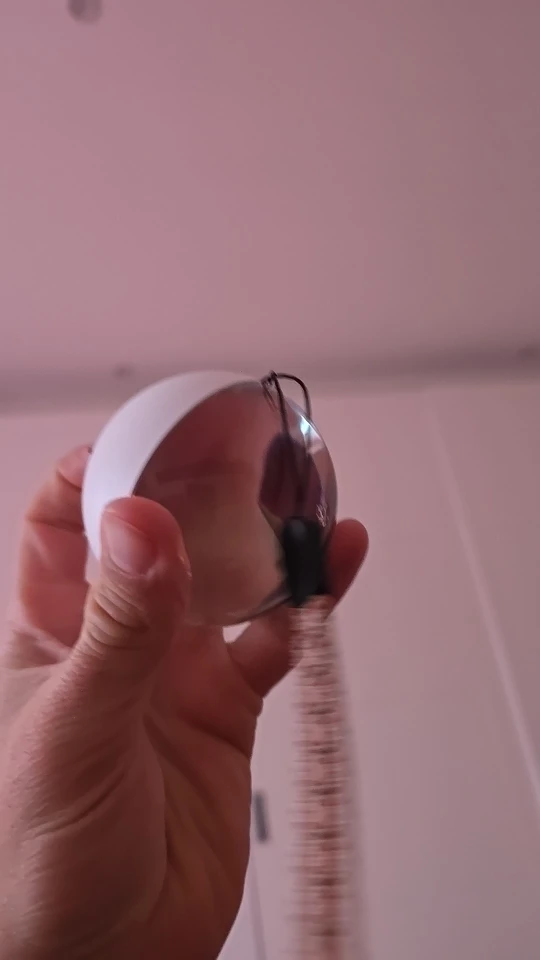
Nice looking product. It can only play one video at a time and you must manually flick to the next one.
Video must be in 480x480 to be seen well.
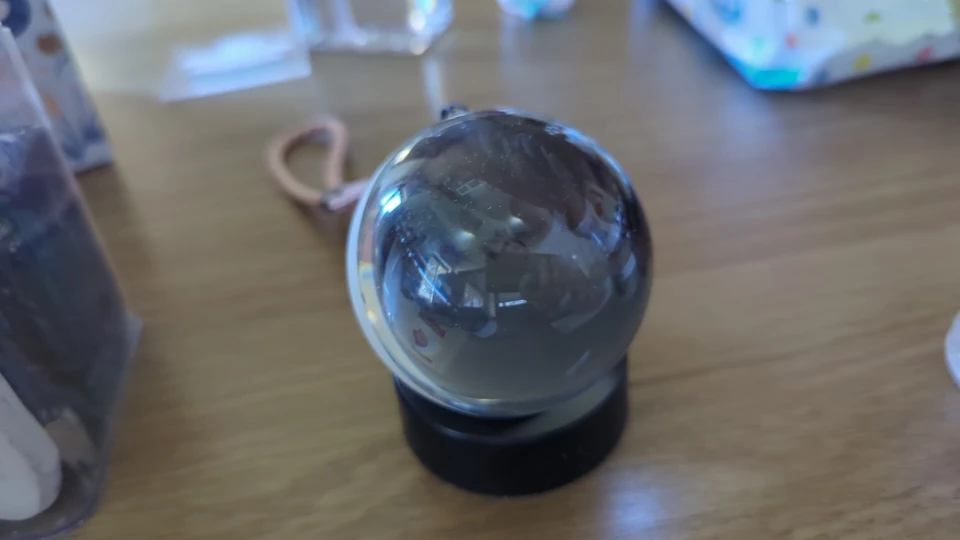
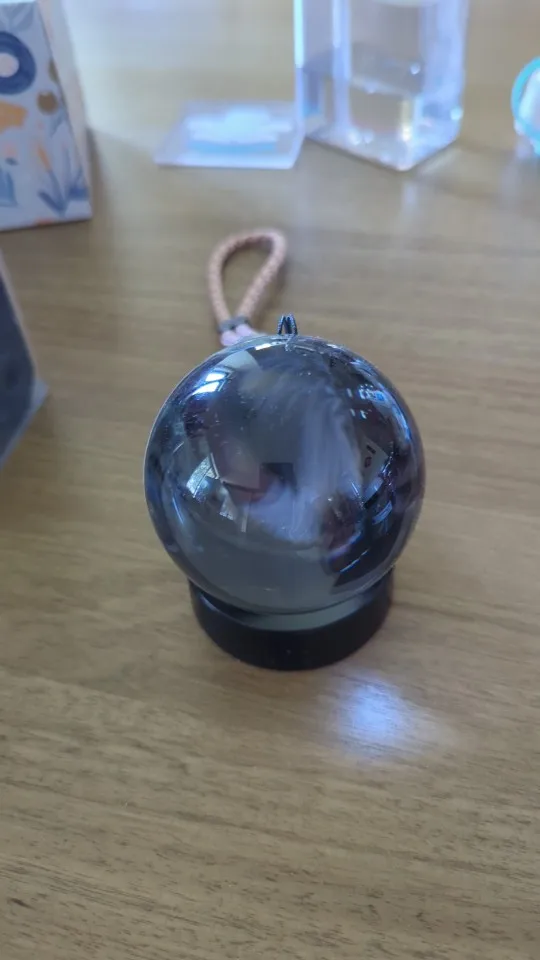
It was worth the price paid! I'm from São Paulo, and the delivery was on time, even fast. It works perfectly well and is easy to use. I recommend it! I emphasize that the product delivers what it promises: quality, ease of use, and a great way to remember fond memories.
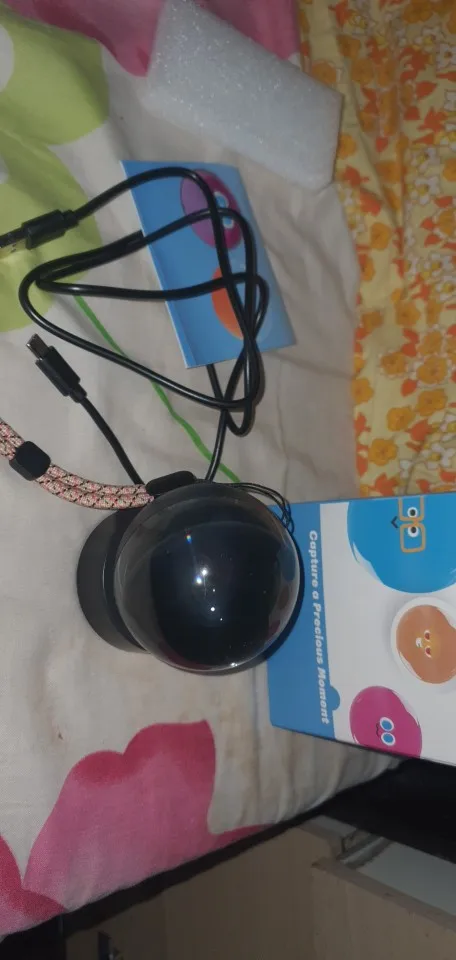
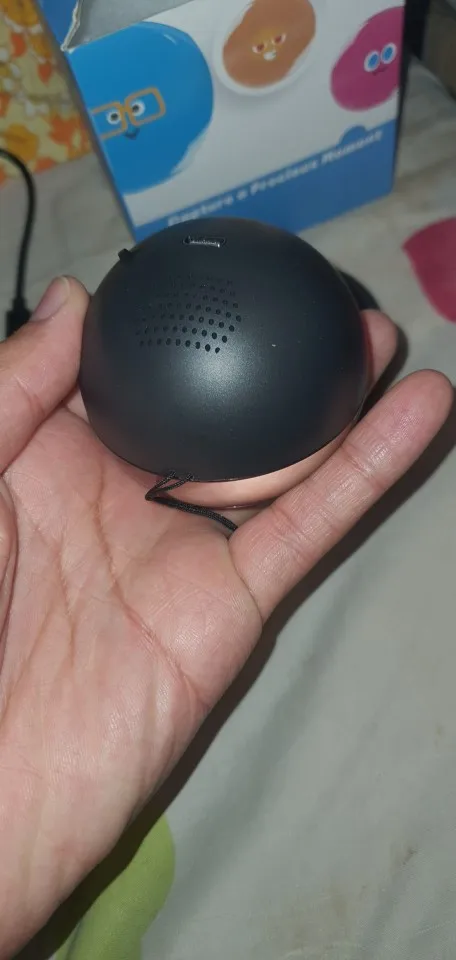
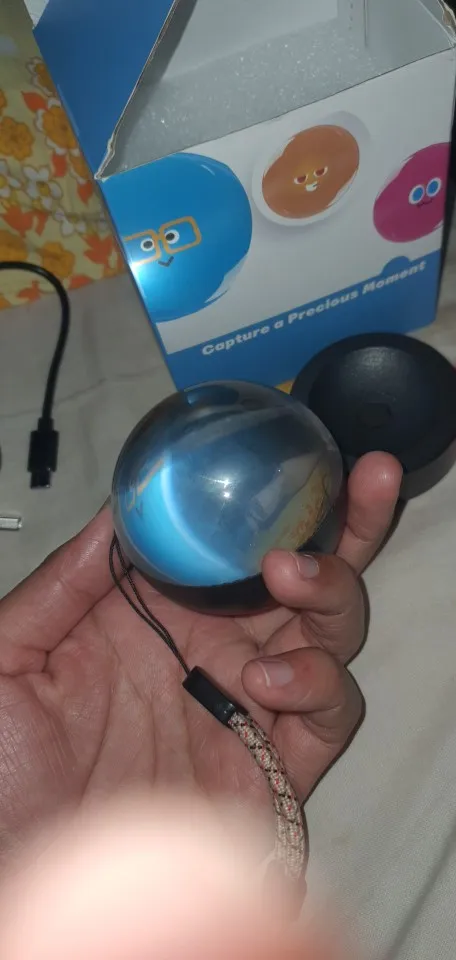
Very nice effect, videos are easy to upload and it's quite intuitive to control the sphere. As for flaws, I would say it's too heavy to hang on a tree (luckily a base is included to hold it on a table) and images are zoomed in a bit (although I checked carefully the dimensions).
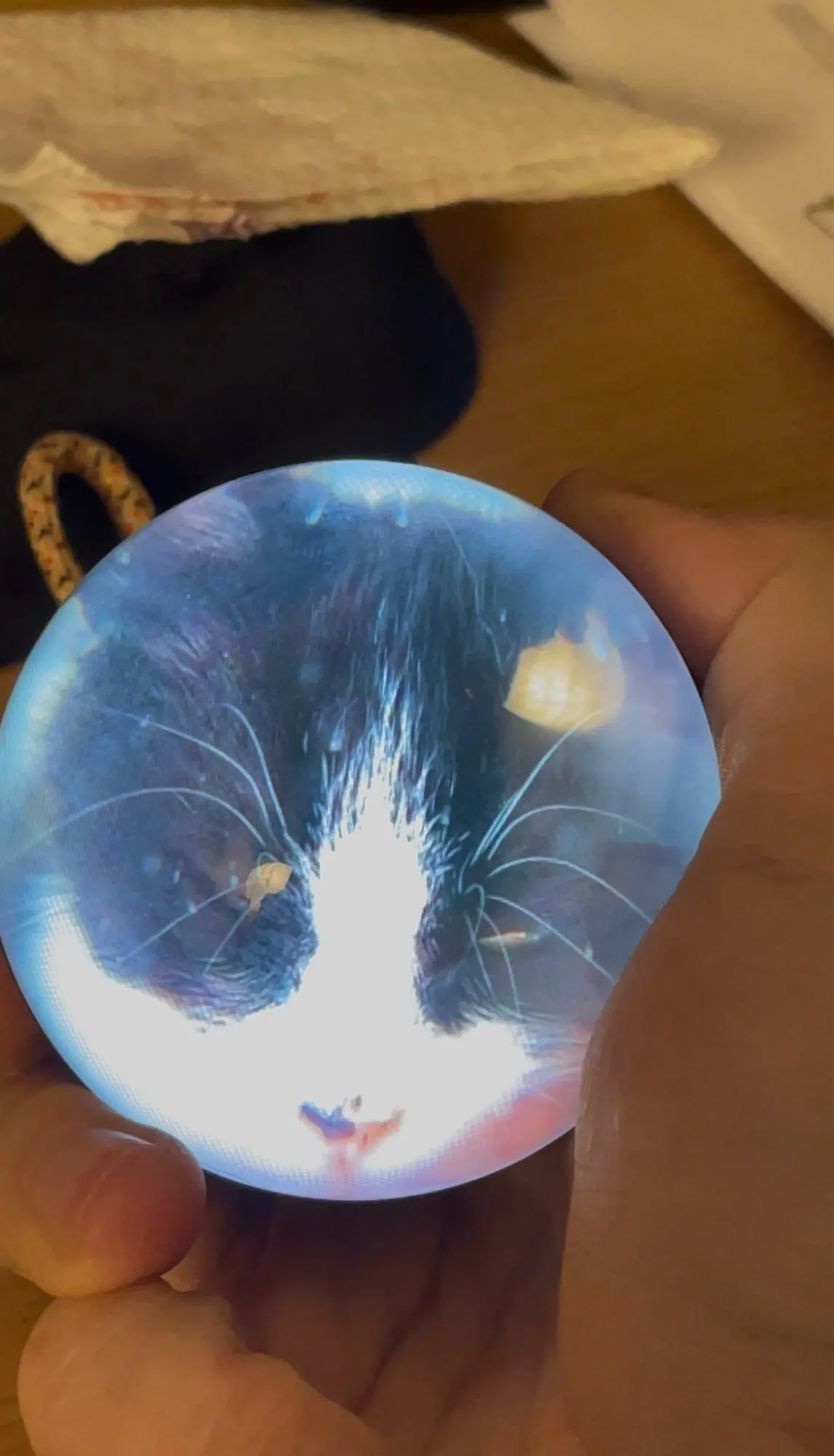
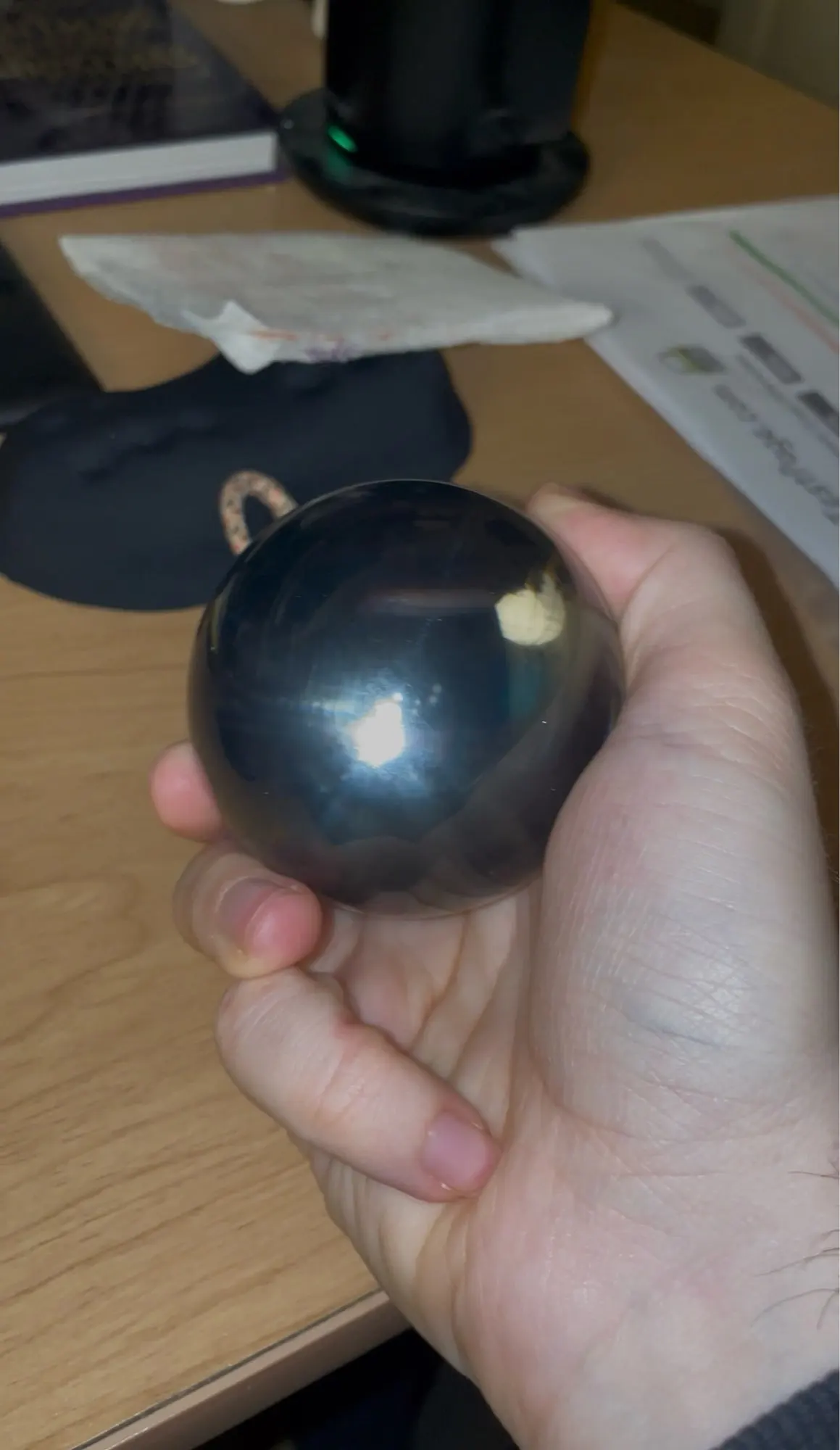
Ok, after playing around with this a bit, I got it working.
Step 1: ignore most of the instructions, they're wrong.
Step 2: charge it fully before messing with it, else it won't let you start uploading stuff to it.
Video: you can use most any software to convert your videos over. 480x480 mp4 is what is needed, though mine does just fine with 720p videos converted by Clipchamp (free, windows video editor). You lose some of the edges, but can go with the lower 480p too. You have to manually change from one video to the next.
Photos: you need to make a folder called 'picture' on the device. In there put some 480x480 96dpi photos. Lower dpi (eg 72, like taken by many cameras) doesn't work. Again, free photo editor will help you out here. I found 400x400 size to look the best. Like video, you have to manually switch, it doesn't cycle on its own.
Now, you can't switch between video and photo. You have to remove any videos, else the photos are ignored.
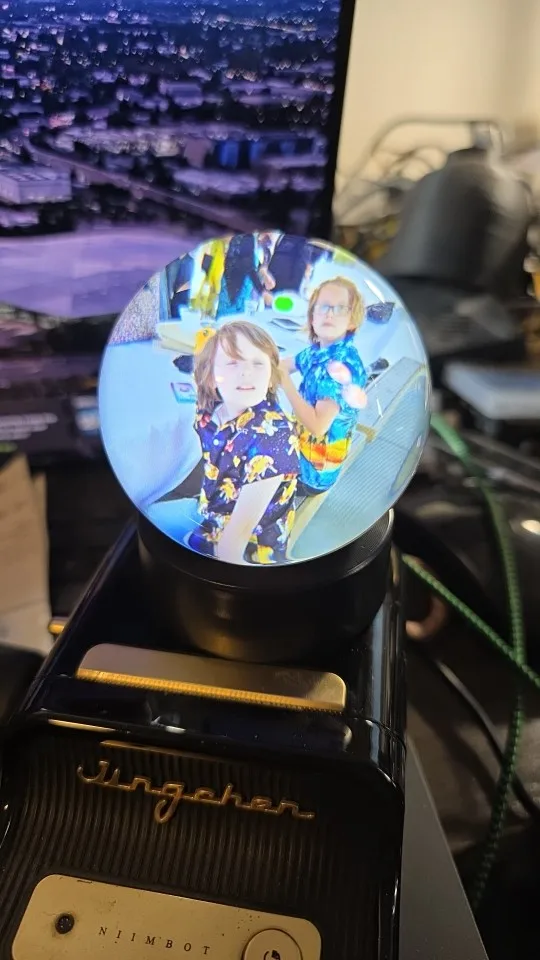
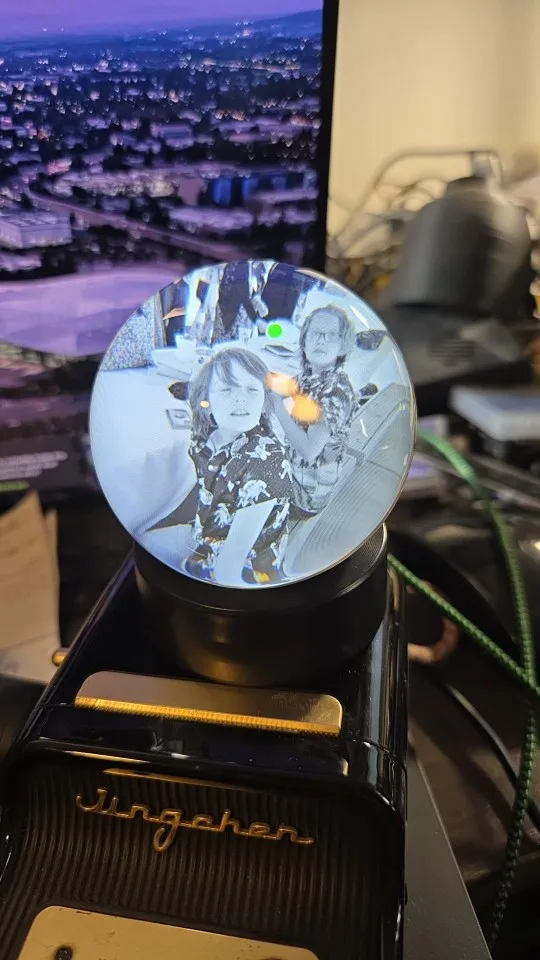
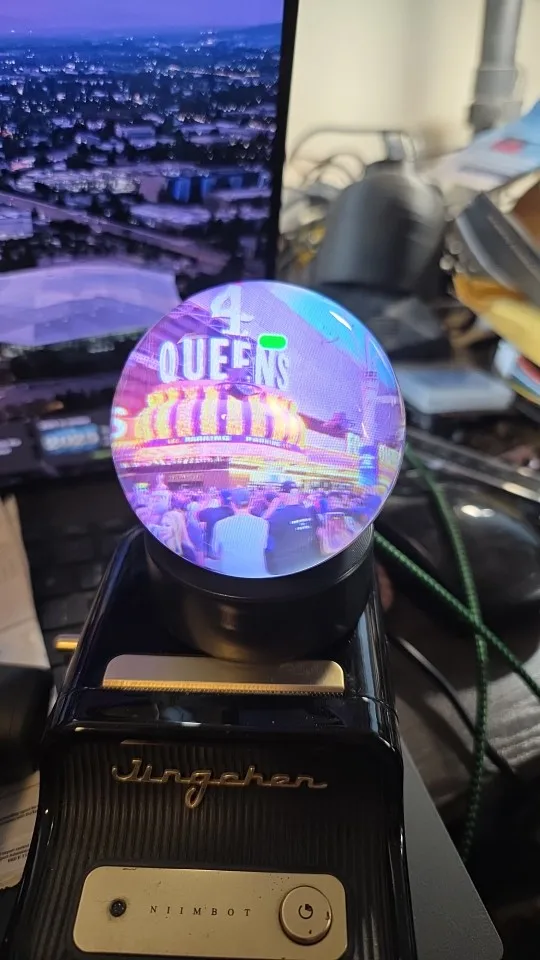
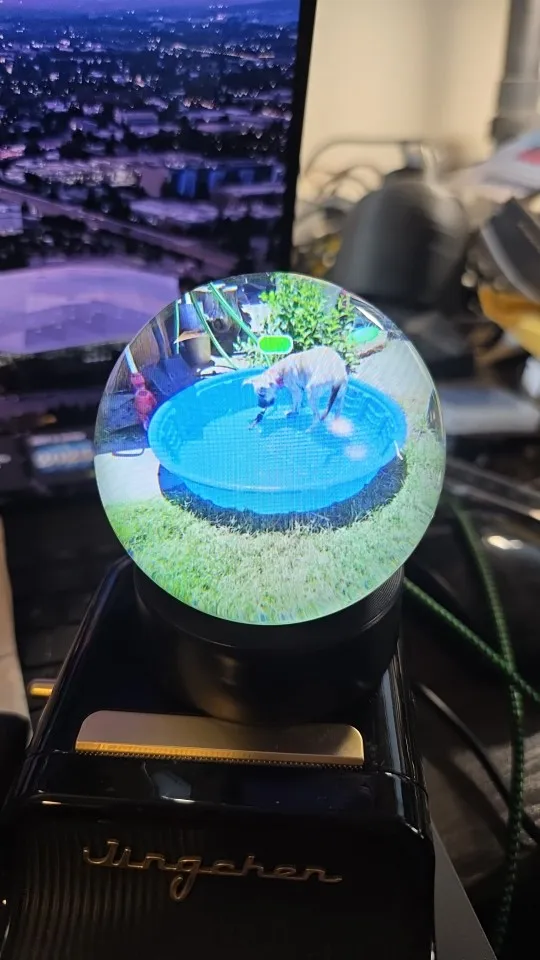
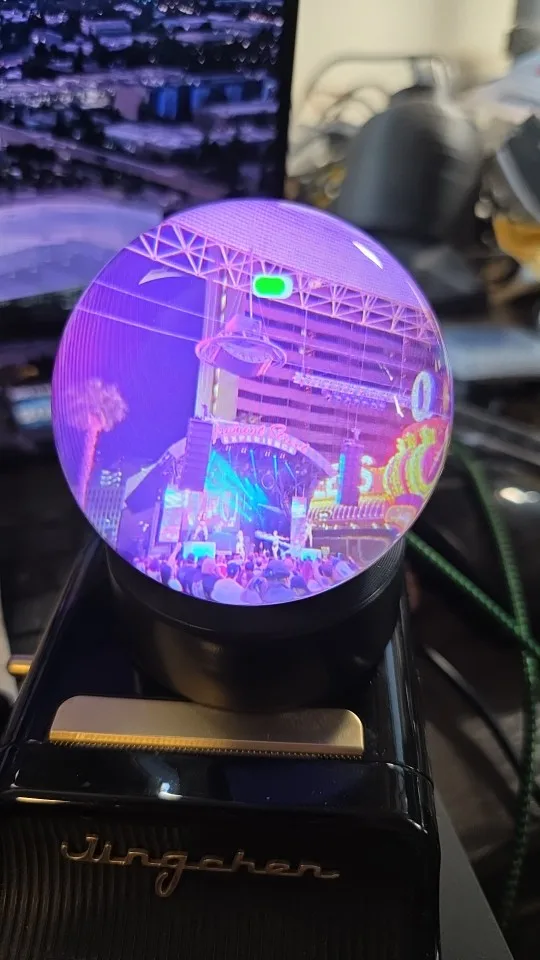
It arrived very quickly and was well packaged, works perfectly, but it's a little difficult to upload the video the first time, but then it's easy. You need to connect it while it's off to the laptop and then turn it on to upload the videos.
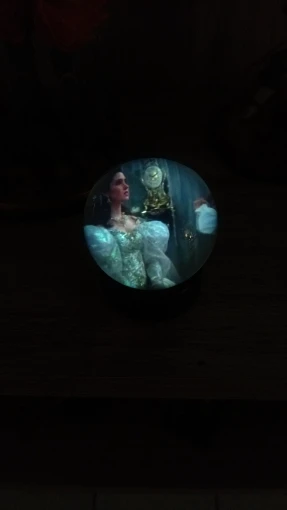
This thing took a moment for me to figure out, it requires a specific resolution and size of video to work, but once you nail that it is truly an amazing little gadget. My family and i are looking forward to our memories playing on the tree this year!
TimeCapsule Orb – 3D Electronic Memory Video Player
Nice gadget to put memories in and give it as a gift.people without a windows computer will have some more difficulty to make the video (480x480). But with linux you can use handbrake to make the correct video.
Great item works well, easy to use. Bought as a gift person loved it
It does what it says, very pleased with it.
The instructions are a bit naff but was easy to edit videos in microsoft clipchamp then simply copy in file explorer to sphere.
Definitely worth the purchase 😃
It arrived perfectly fine, I recommend it, very nice product.
I loved the idea! I thought it would be complicated to make the video and upload it, but there's an explanatory video and it comes with the manual! Super easy!!!
TimeCapsule Orb – 3D Electronic Memory Video Player
TimeCapsule Orb – 3D Electronic Memory Video Player
TimeCapsule Orb – 3D Electronic Memory Video Player
This item is very heavy and good quality, have recommended it to family and friends. It also comes with a stand so it can be used without a xmas tree
Fantastic small toy. Works pretty good for the resolution 640/640. Edges of frame is not visible, so you can see round part of pictures only. Software for resizing video is available as free version too. Software works intuitive and home use version is sufficient. Good value for the price. I recommend the product
TimeCapsule Orb – 3D Electronic Memory Video Player
Works great straight out of the box, instructions are a little vague in getting custom videos in but i worked out to download mp4 videos from istock.com and then u can click and drag straight into the video folder. Putting your own videos in that youve taken on your phone does work but they don't loop only play through once. If you put the wrong kind of file or a not supported video in the folder ,the ball wont turn on it will just display a green bar and then shut down, suggest loading one video at a time so if it doesn't work you will know which 1 has caused it.
TimeCapsule Orb – 3D Electronic Memory Video Player
It's just like the images and the resolution is very good! A great gift :)
Excellent item, easy to use once you know how to change the file type and sizes. I have 4 of these now